
AI Sales Tools 2026 Compared: Tool Categories and Selection Criteria
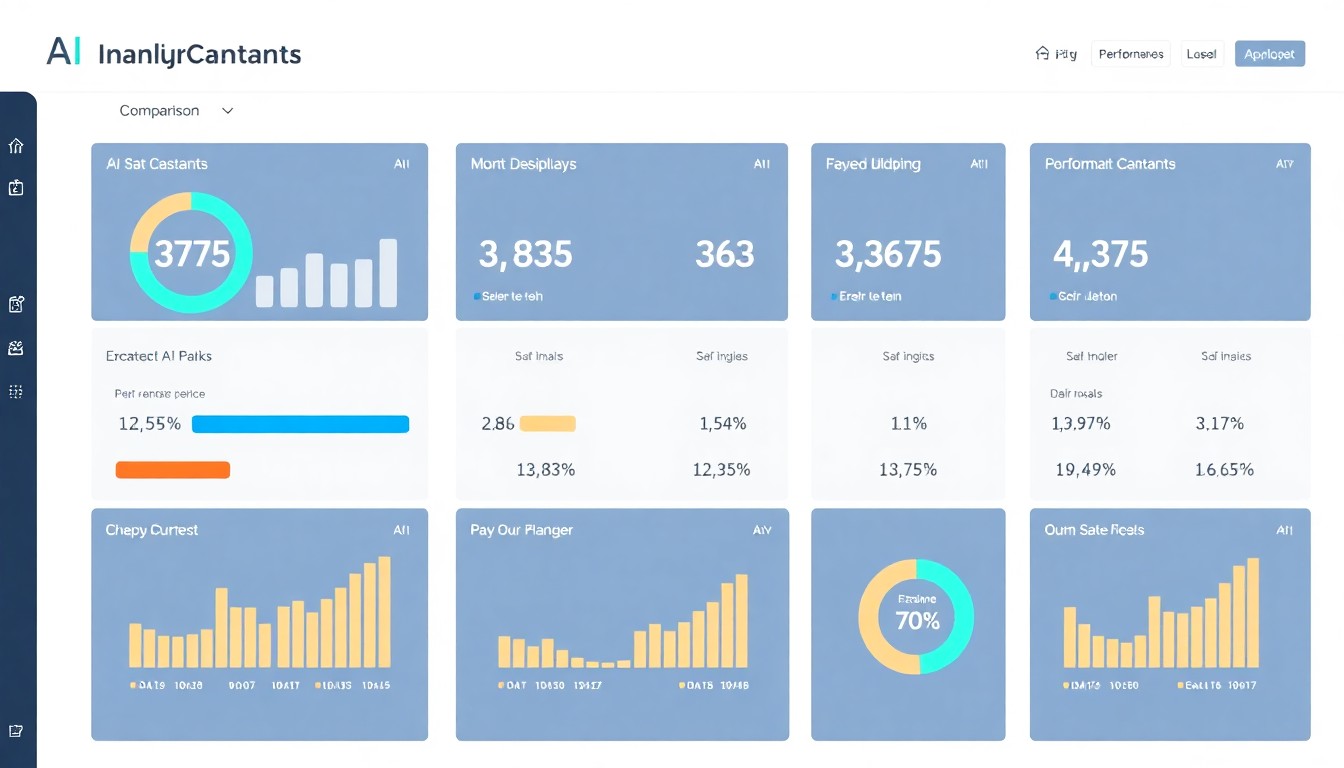
Anyone looking for AI sales tools in 2026 will find hundreds of providers, nearly all promising the same thing. That is why this AI sales tools comparison does not sort the market by brand name but by tool category: what each type of tool does, which business it suits and how to tell before buying whether a tool will hold up in daily use.
Why a ranking rarely helps
Lists of “the five best tools” go out of date quickly and say little about whether a tool suits you. An insurance broker with two employees needs something different from an online shop with thousands of orders a month, or a law firm that mainly wants to take in new client enquiries properly. Features change with every update, and so do prices and packages.
A more stable question is which problem you want to solve. Are enquiries lost because nobody answers the phone? Do quotes fizzle out because follow-up gets lost in daily business? Is the pipeline hard to read because the CRM is only half maintained? Each of these problems belongs to a different tool category. If you clarify this first, you will end up comparing three suitable offers instead of thirty random ones.
AI sales tools 2026: the main tool categories compared
The following overview summarises the categories and what they are suited to. Many products cover several areas but usually have a clear focus.
| Tool category | What it handles | Good fit for | Typical limit |
|---|---|---|---|
| CRM with AI features | Summaries, lead scoring, next-step suggestions, text drafts | Businesses that already use their CRM consistently | of little help when the data is patchy |
| Outreach and sales engagement platforms | Email sequences, follow-up reminders, personalised cover letters | B2B sales with active prospecting | legal limits on cold outreach, effort to maintain templates |
| AI employees for inbound enquiries | Answer phone, chat, WhatsApp and email, book appointments, capture leads | Practices, salons, workshops, brokers, shops with many enquiries | needs maintained knowledge and clear handover rules |
| Conversation analytics | Transcribe and analyse phone and video calls, give coaching tips | Teams with several salespeople and many advisory conversations | consent of the other party needed, involve the works council |
| Forecasting and analytics | Close probabilities, revenue forecasts, risk signals in the pipeline | B2B with a longer sales history and many deals | hardly meaningful with few records |
For small businesses, the biggest lever is often not forecasting or conversation analytics but right at the front of the process: whether an enquiry is taken at all and recorded properly. A hair salon whose phone keeps ringing while staff are working at the chair gains more from reliable reachability than from a sophisticated analytics dashboard. You can read more in the article on phone reachability with AI.
What really matters when comparing features
On product pages, many AI sales tools sound the same. The differences only show up when you test with your own cases. Pay attention to these points:
- German in everyday use: does the system understand dialect on the phone, typos in the chat and the jargon of your sector? Test with real wording from your customers, not with the provider's sample questions.
- Connection to your systems: do conversation results land automatically in the CRM, the calendar or the ERP system? An interface that is “planned” is not an interface for the purposes of your decision.
- Handover to people: how does the tool recognise that it is stuck, and what does your employee get to see then?
- Traceability: can you see afterwards what the AI said or decided? Without a log you can neither check quality nor resolve a complaint.
- Maintenance effort: who changes opening hours, prices or contacts, and how long does it take?
You will find a structured approach to selection in the decision framework for SMEs.
Putting costs into perspective
Pricing models vary widely: per user, per conversation, per lead or as a package. A direct comparison of list prices is therefore often misleading. Instead, calculate the total cost over a year: licence, setup, internal time for maintenance and training, and any extra costs for interfaces or telephony. The article AI sales agent pricing models explained gives an overview of the common models.
Example calculation with assumptions
Suppose a car repair shop receives 30 calls on a normal working day. While the team is working in the workshop, an estimated 6 of these go unanswered, and perhaps half of those callers do not call back. Over 20 working days, that would be around 60 lost contacts a month. Whether a tool pays off then depends on how many of these callers would actually have placed an order and what an average job brings in. Only you know these figures. Put them in honestly and compare the result with the annual cost. If the numbers only work with optimistic assumptions, that is a warning sign.
For reference at Neurobots: the AI employees cost €399 a month on the Basic package (one robot, 500 sessions) and €599 a month on the Pro package (all four robots, 1,000 sessions), plus a one-off €1,299 for setup by a certified partner, which typically takes about 14 days.
Clarify data protection and legal questions before signing
Sales tools process names, phone numbers, purchase interests and sometimes sensitive details. So before signing, check where the data is stored and processed, whether a data processing agreement is offered and whether your data may be used to train models. For medical practices, law firms and tax advisers, professional confidentiality also applies and calls for particularly careful checks.
If an AI talks directly to your customers, the EU AI Act means you should disclose that it is an AI. A short sentence at the start of the conversation is usually enough and builds trust along the way. At Neurobots, the data is held on servers in Nuremberg; ISO 27001 certification is in preparation.
When an AI sales tool is not worth it
Not every business needs one. If you only receive a few enquiries a week and can answer them yourself without difficulty, the setup and maintenance effort is often greater than the benefit. The same applies if your processes have not been defined yet: a tool will then only automate the chaos. And if nobody on the team has time to check answers and rules regularly, even the best system will become less accurate over time.
Frequently asked questions
Do I need a new CRM to use AI sales tools?
Usually not. Many tools can be connected to widely used systems such as HubSpot, Salesforce, Pipedrive or Microsoft Dynamics. Clarify in advance which data should flow in which direction.
How long should a trial phase last?
Allow at least a few weeks with real enquiries. That is the only way to see how the tool handles unusual questions, peak times and your actual customers.
Can I introduce several tool categories at the same time?
Technically yes, but organisationally it is rarely wise. Start with the area where the most is being lost today, and expand once that part is running smoothly.
Will AI sales tools replace my salespeople?
No. They take over routine work such as first contact, booking appointments and following up. Advice, negotiation and relationship building remain the job of people.
Can I use US tools in Germany?
In principle yes, provided the data transfer is legally safeguarded and a data processing agreement is in place. Check this for every tool, especially if sensitive customer data is processed, and involve whoever advises you on data protection.
Conclusion
A good AI sales tools comparison starts with your bottleneck, not with the feature list. Decide which problem should be solved first, test two or three suitable tools with real cases and work out the total cost soberly. The page Digital assistant for trade businesses shows what this looks like for businesses with lots of calls and appointments.
Neurobots for your industry
See how AI employees handle inquiries and appointments in your industry.
View all industry solutionsNote: This article is for general information only. It is not legal advice and was not written or reviewed by lawyers. For your specific situation, please consult a lawyer. All information is provided without guarantee.
Related Articles

In-House AI vs. SaaS: Which Is the Better Fit for Your Sales?
Your own AI servers or rented software? An honest comparison of in-house AI and SaaS in sales, covering costs, security and clear decision criteria.
AI Phone Assistant or Chatbot: Which Suits Your Business?
AI phone assistant or chatbot: how the two channels differ, which suits which business and what the law says about outbound AI calls.

Pricing models for AI agents: per minute, subscription or per seat?
Per minute, subscription with a quota or per seat: how providers bill AI agents, when each model fits and how to make offers comparable.
AI Automation for Your Business
Let's find out together which of your processes can be automated with AI employees — free and without obligation.
Book a free consultationROI
Calculated before the start, measured continuously